
Never ever forget to get things done
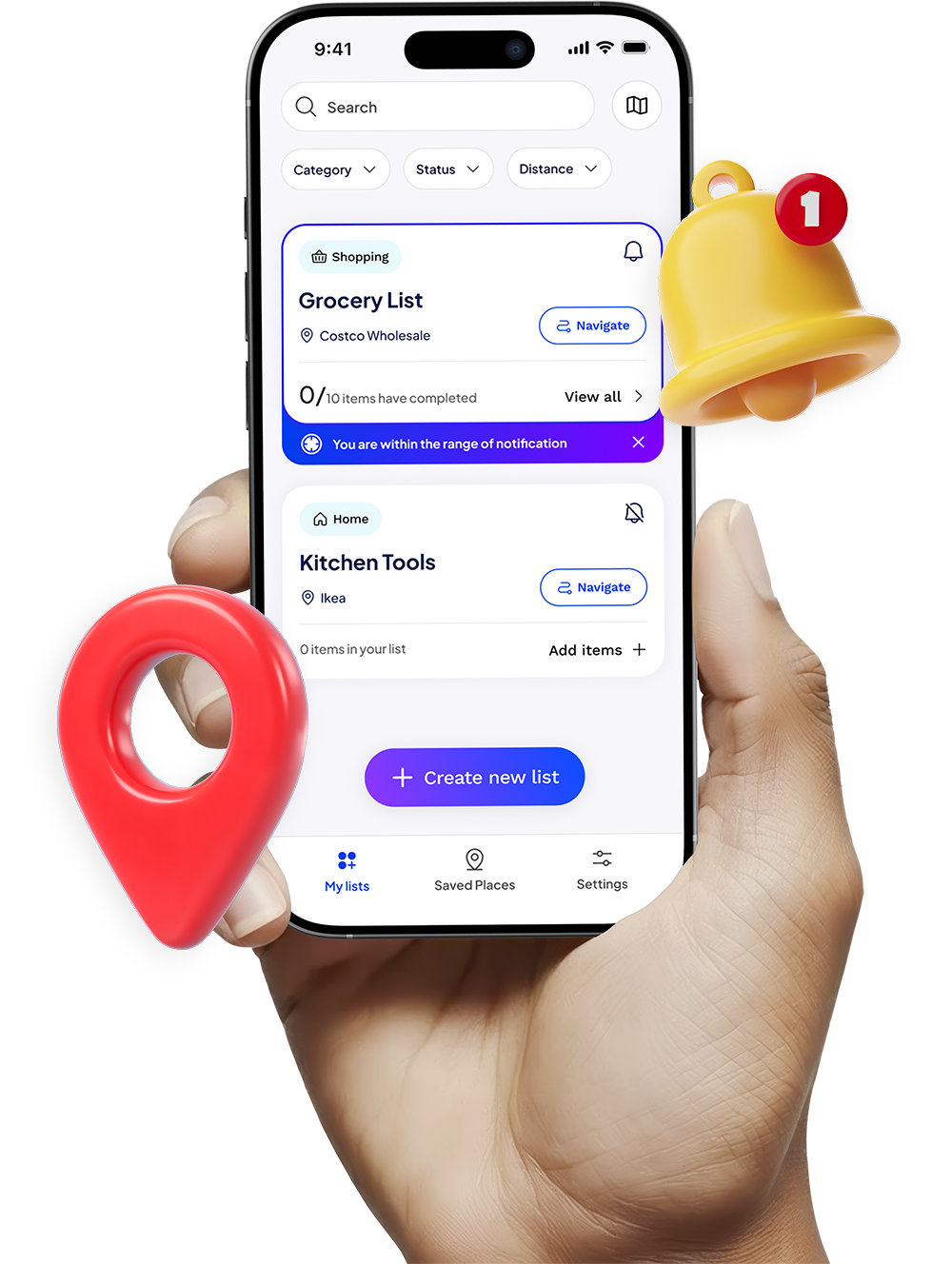
Right when you’re near the right place. Stay organized with smart, location-based reminders that notify you exactly when you’re near the right place.


Create a list
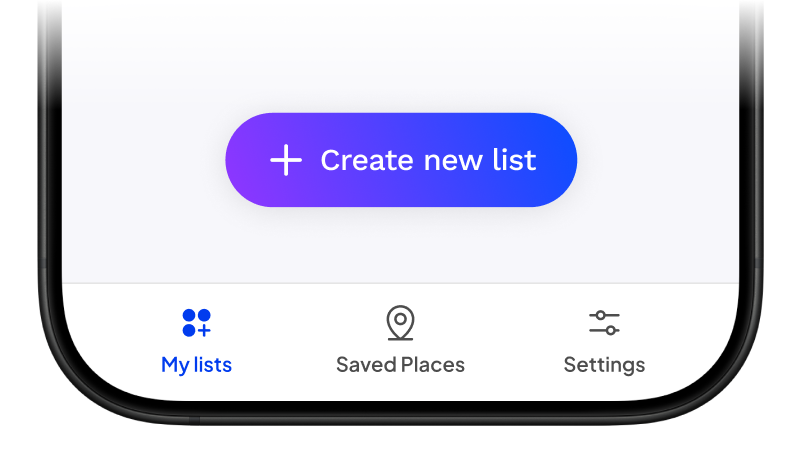
Start by tapping “Create New List” to begin organising your tasks.
Add location and items
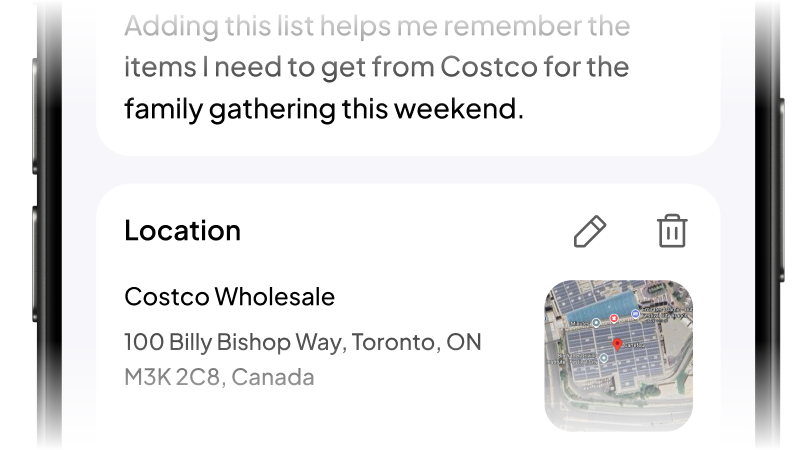
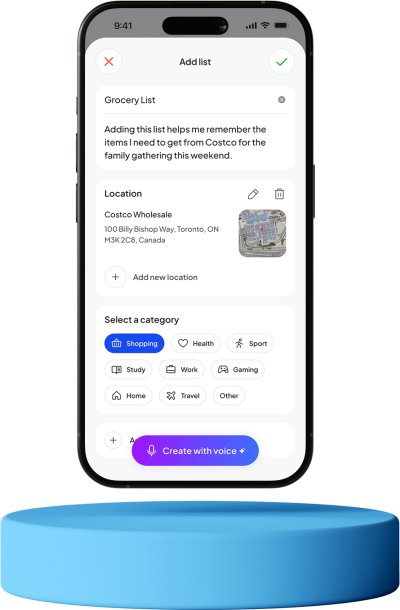
Choose a category, set the location, and add all the items you need, everything in one organised list.
Get notified
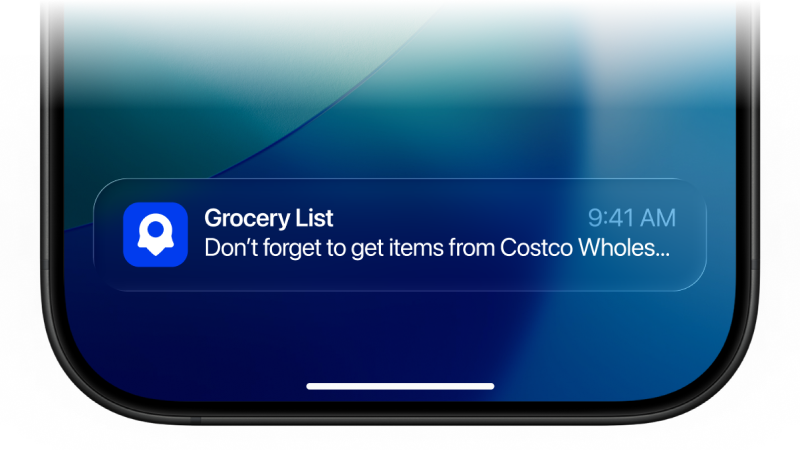
Receive timely reminders the moment you’re near the location tied to your list.
Location Based reminder
Adding list details is easier than ever
Name your list, add a short description, attach a location, and include all your items - keeping everything neatly organised in one place.
- Create list name and desciption
- Select category and add location
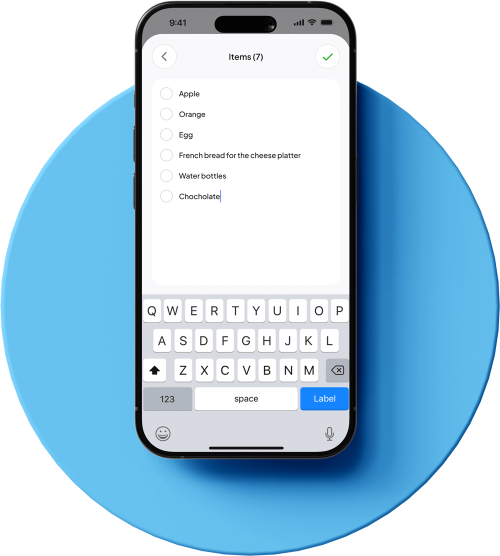
- Enter your items list
Location Based reminder
Keep track of every item effortlessly
Add items to your list in just a few taps, mark them as completed as you go, and stay perfectly organised wherever you are.



FAQ
How Pingaroo app works?
This app is a simple and intuitive location-based reminder tool. You can create lists, add tasks, and attach a location to any item. When you’re near that location, the app sends you a notification so you never forget what you need to do.
Do I need to create an account or sign up?
No. The app works straight away after downloading. Login or sign up is not required.
Does the app track or store my location?
The app uses your location only to trigger reminders.
We never save, store, or send your location to any server. Your location data stays on your device and is used only in real time for notifications.
Is my data private and secure?
Yes. Since the app does not require an account and does not store your location, none of your personal location information is collected or shared. Your lists and reminders remain on your device.
Is the app available on both iOS and Android?
The app is currently available for iOS only.
An Android version is planned for the future.
Does the app work internationally?
Yes. The app works anywhere in the world. There are no country or region restrictions.
Do reminders work in the background?
Yes. As long as you’ve granted the app permission to access your location, it can trigger reminders even if the app is closed.
Do I need an internet connection?
You’ll need internet access to download the app and set locations initially. After that, reminders work offline as long as your device’s GPS is active.
How accurate are the location notifications?
The app uses your device’s built-in location services. Accuracy may vary based on GPS signal strength, your surroundings, and system settings, but it generally works well for everyday reminders.
Can I customise how and when I get notified?
Yes. You can choose your notification settings through your device’s system preferences and manage app permissions at any time.